Debugging Blazor Applications
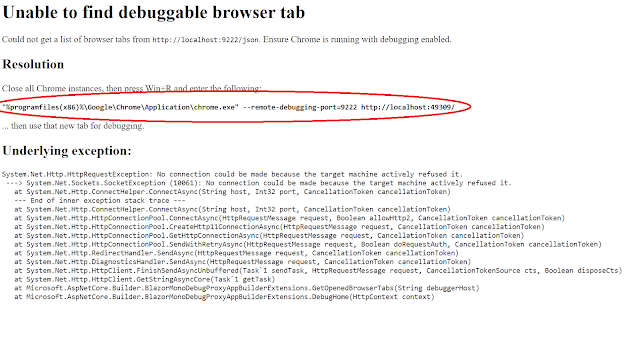
We will be discussing how to debug both a server side Blazor application as well as a Client-side Web Assembly application. Client-Side Web Assembly To debug this type of application we will be using the browser tools to access the C# code. As of this post, only Chrome supports debugging the web assembly client application. Microsoft Edge can be used, but it just fires up a chrome instance to debug with. Steps to debug: 1. Create a client-side web assembly application from the standard Blazor templates that are provide with Visual Studio or Visual Code 2. Run application in Chrome 3. Press F12 4. You will see a comment to press Shift – Alt – D to debug 5. Make sure you click on the actual Blazor application 6. Press Shift-Alt-D 7. A new brow...